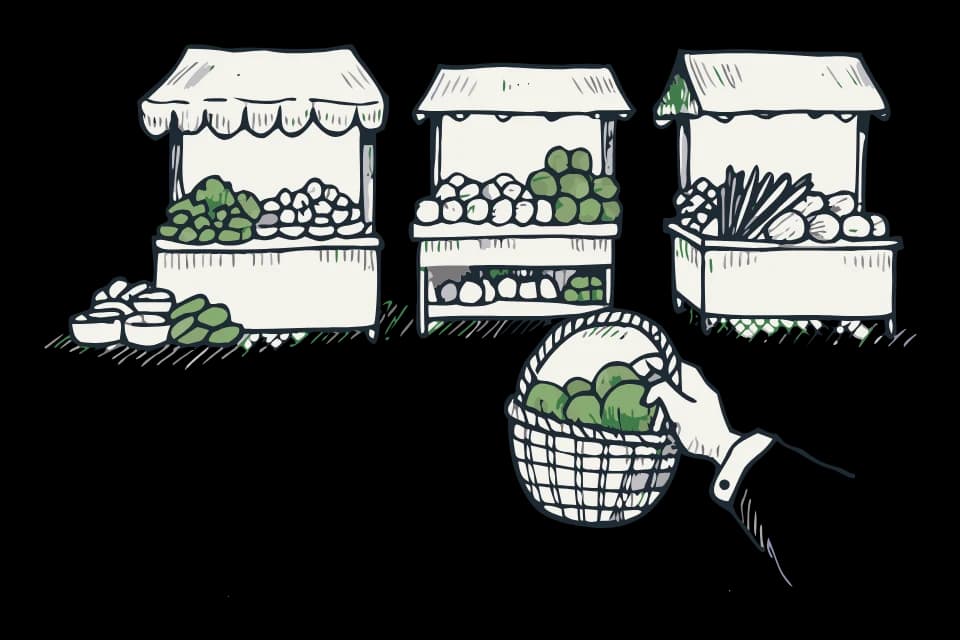
Buying from a seller at a farmers market
A stand that also sells at a farmers market still works like any other EZHomesteading order: you pre-order online ahead of time, and pickup happens at the market instead of at the seller's usual spot. There's no in-app way to just show up and pay at the table — ordering is how it works here.
Finding a market page
If a listing's seller also stands at a market, a banner on the listing reads Also at [market name] · N other sellers. That opens the market's own page, with the schedule, who else sells there, and everything currently available to pre-order.
What's on a market's page
The header shows the market's weekly schedule and its season. A roster of stalls lists every seller standing there, with a verified vendor badge for stalls the market's manager has vouched for. Tapping a stall filters the listings below to just what they're bringing.
Below the roster, listings are grouped under Pre-order for pickup at the stand, next to the market's own hours.
Ordering ahead
Add what you want the same way you would from any other stand, and check out normally — this is a regular pickup order once it's placed. The market page tells you the deadline: Order by [day] evening for stand pickup, timed to the market's next open day.
When a market is out of season
A market with a set season shows an Out of season notice at the top when it's closed for the year, saying when it's back. Its listings section reads The stalls are resting instead of showing anything to order. Many sellers who stand at a seasonal market keep selling from their regular stand through the off months — the market page points you to their own stands for that.